PNG, JPG, WEBP, or AVIF: which image format should you use?
A clear format guide for choosing PNG, JPG, WEBP, or AVIF before converting and downloading images.
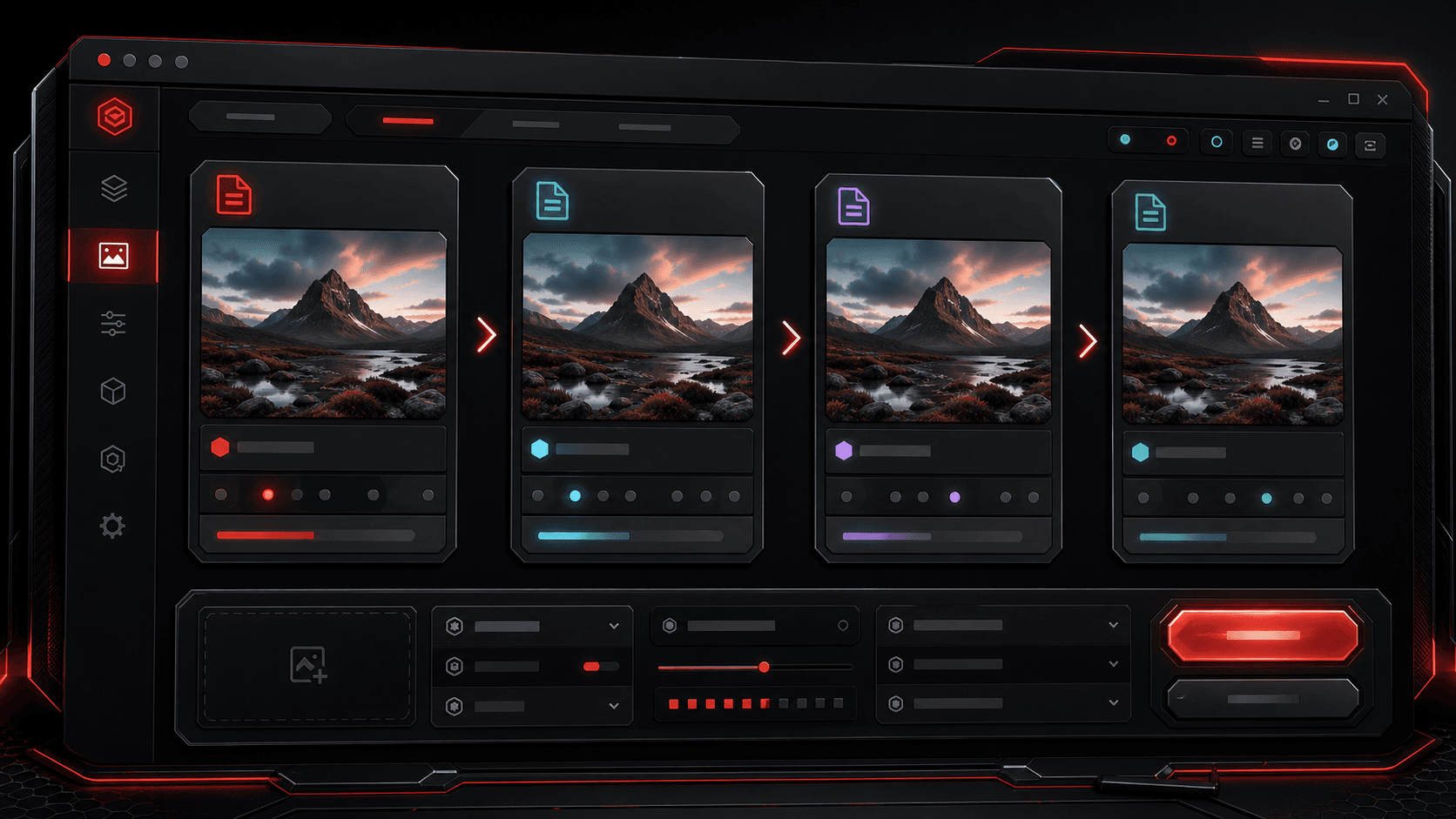
The best image format depends on what the image needs to do. A transparent logo, a product photo, a UI screenshot, and a high-performance web image all have different needs. TheFramex keeps image format conversion focused so you can pick the output that fits the job.
Use JPG for everyday photos
JPG is widely supported and usually works well for photos, thumbnails, previews, and general sharing. It does not support transparency, so it is not ideal for logos, cutouts, or interface elements that need a clear background.
Use PNG when edges and transparency matter
PNG is helpful for screenshots, graphics, icons, logos, and images with transparency. It often creates larger files than JPG or WEBP, but the cleaner edges can be worth it for UI and design assets.
Use WEBP for modern web delivery
WEBP can be a strong choice when you want smaller files for websites while keeping good quality. It supports both photo-style compression and transparency, which makes it flexible for many web workflows.
Use AVIF when file size is the priority
AVIF can create very compact files, especially for web performance, but you should confirm the platforms and browsers you care about support it. When in doubt, keep a JPG or PNG fallback for important assets.
Quick checklist
Questions
Can I convert PNG to JPG?
Yes. TheFramex can convert supported images between PNG, JPG, WEBP, and AVIF.
Will converting PNG to JPG remove transparency?
Yes. JPG does not support transparency, so transparent areas become a solid background in the exported file.