How to crop images for social media, websites, and profile photos
Learn how to crop square images, banners, portraits, and circle profile images without losing the important part of the photo.
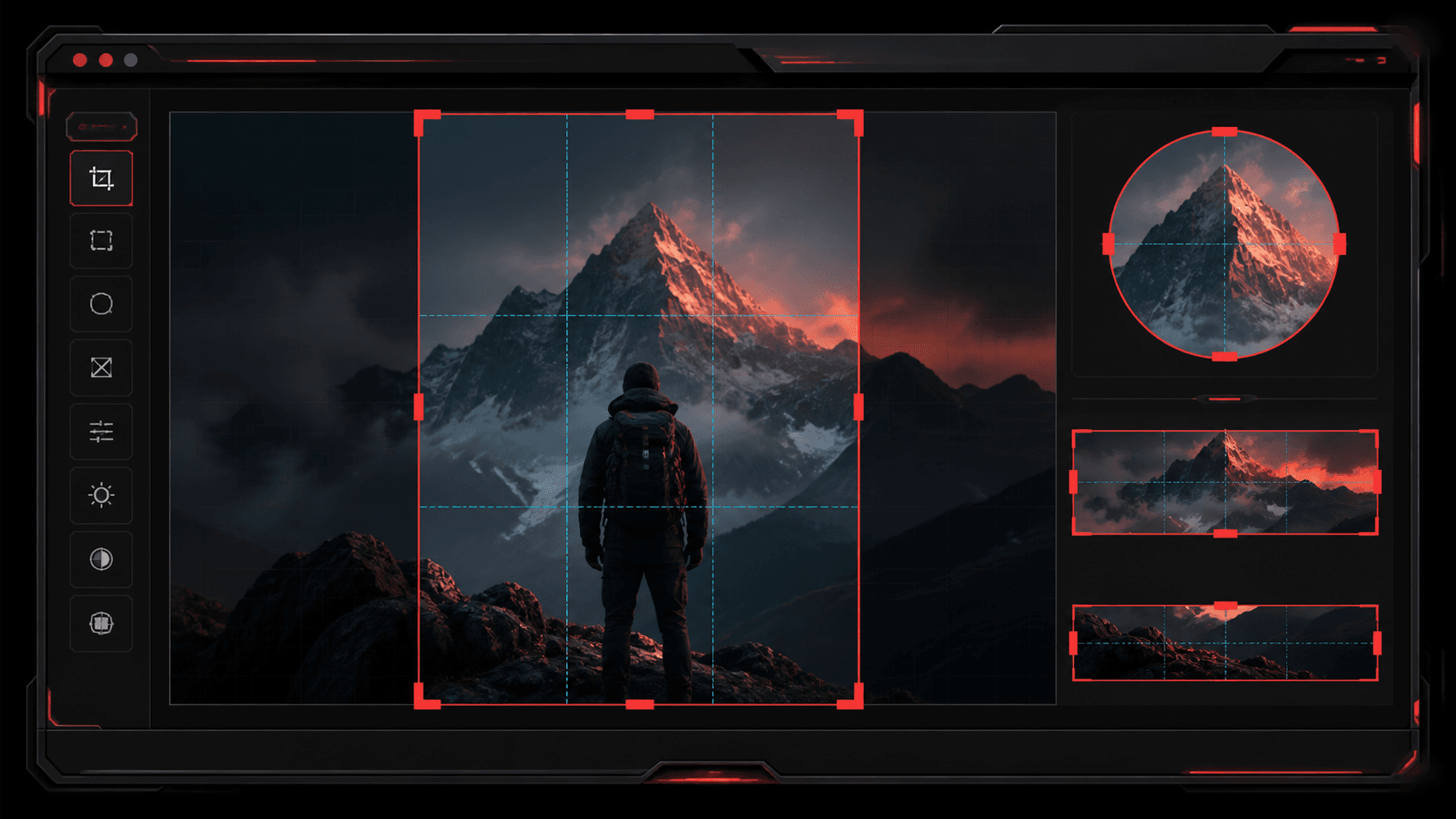
Cropping is one of the fastest ways to make an image feel intentional. The trick is to choose the crop based on where the image will appear, then keep the subject readable on mobile screens.
Use square crops for profile and product grids
Square crops work well for avatars, ecommerce grids, app thumbnails, and quick previews. Keep the most important subject centered enough that it still reads when the image becomes small.
Use wide crops for headers and previews
A 16:9 or wide crop is useful for blog covers, YouTube-style thumbnails, feature banners, and social previews. Leave breathing room around text or faces so the platform crop does not cut them off.
Use portrait crops for mobile-first content
Portrait crops work better for vertical feeds, phone wallpapers, story-style posts, and mobile landing sections. Check the image at phone width because large desktop compositions can hide weak mobile framing.
Use circle crop when the final display is round
Circle crops are useful for profile photos and avatar-style graphics. Put the subject near the center and avoid placing important details at the corners, because the circle will remove them.
Quick checklist
Questions
Can I crop a custom part of an image?
Yes. TheFramex includes custom crop controls so you can choose the portion of the image you want to export.
Can I make a circle crop?
Yes. The crop tool supports circle-style exports for avatars and profile images.