Photo editing tools
Compress images, convert file formats, crop exact sections, create circle crops, and enhance light or sharpness before exporting.
TheFramex helps creators compress images, convert formats, make PDFs, export PDF pages, convert music, and extract audio from local videos in focused browser workspaces.
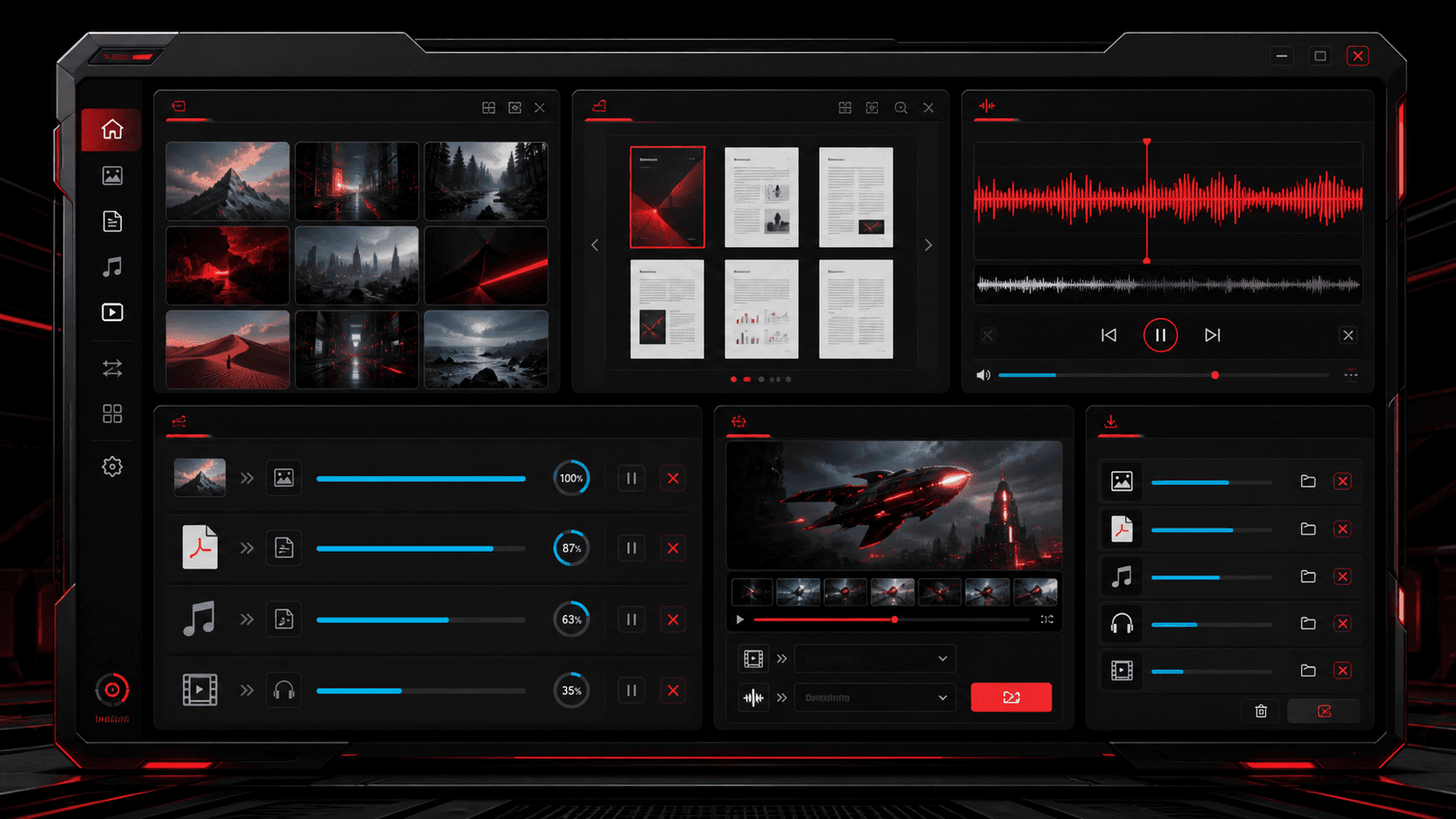
Tool categories
TheFramex is structured around separate feature workspaces instead of one crowded page. That makes the tools easier to use on mobile and gives each converter a clear SEO target.
Compress images, convert file formats, crop exact sections, create circle crops, and enhance light or sharpness before exporting.
Create a PDF from images or render PDF pages back into downloadable PNG, JPG, or WEBP files for reuse.
Convert audio formats or extract the audio track from a local video file and save it as MP3, WAV, M4A, OGG, or FLAC.
Popular tools
Every tool has its own focused page, which keeps the mobile UX simple and gives search engines a clear page for each workflow.
Reduce JPG, PNG, and WEBP file size with a live preview before download.
Open toolConvert images between PNG, JPG, WEBP, and AVIF for faster uploads.
Open toolCrop custom areas, square images, banners, portraits, and circle exports.
Open toolTune brightness, contrast, color, and sharpness directly in the browser.
Open toolMerge photos, scans, screenshots, and graphics into one ordered PDF file.
Open toolExport PDF pages as PNG, JPG, or WEBP files and download them together.
Open toolConvert audio files to MP3, WAV, M4A, OGG, or FLAC with local processing.
Open toolExtract music or voice from local videos and export the audio track.
Open toolSimple workflow
Most media jobs are small but urgent: make an image lighter, turn scans into a PDF, export a PDF page, or pull audio out of a local video. TheFramex keeps those tasks close to the first click.
Step 1
Start from the exact job: image compression, PDF conversion, music conversion, or video to audio extraction.
Step 2
Upload the supported file type into the workspace and check the input, output, and quality settings.
Step 3
Photo tools show visual previews where possible, while PDF and audio tools show progress during conversion.
Step 4
Save the converted file, compressed image, cropped photo, rendered pages, or extracted audio to your device.
Format guidance
Strong SEO content should answer the question before a user even opens a tool. These quick format notes help people choose the right converter and reduce failed exports.
WEBP, JPG, or AVIF
Use these when smaller files and faster page loading matter. Keep PNG for transparency or crisp screenshots.
PDF, PNG, or JPG
Use PDF for grouped delivery, PNG for crisp exported pages, and JPG when page images need smaller file size.
MP3 or M4A
Use MP3 for broad compatibility, M4A for modern device-friendly files, and WAV or FLAC when editing quality matters.
Built for search and users
TheFramex now explains what each converter is for, links to the correct tool page, and supports discovery with helpful resource posts instead of empty keyword pages.
TheFramex handles local user-selected files. It does not act as a YouTube, Instagram, or social platform downloader.
Prepare thumbnails, compress uploads, crop channel art, and extract voice tracks from local clips.
Turn phone photos into PDFs, export PDF pages as images, and resize project graphics before submission.
Convert client files, clean image sizes, and keep media workflows moving without a heavy desktop app.
Guides and blog
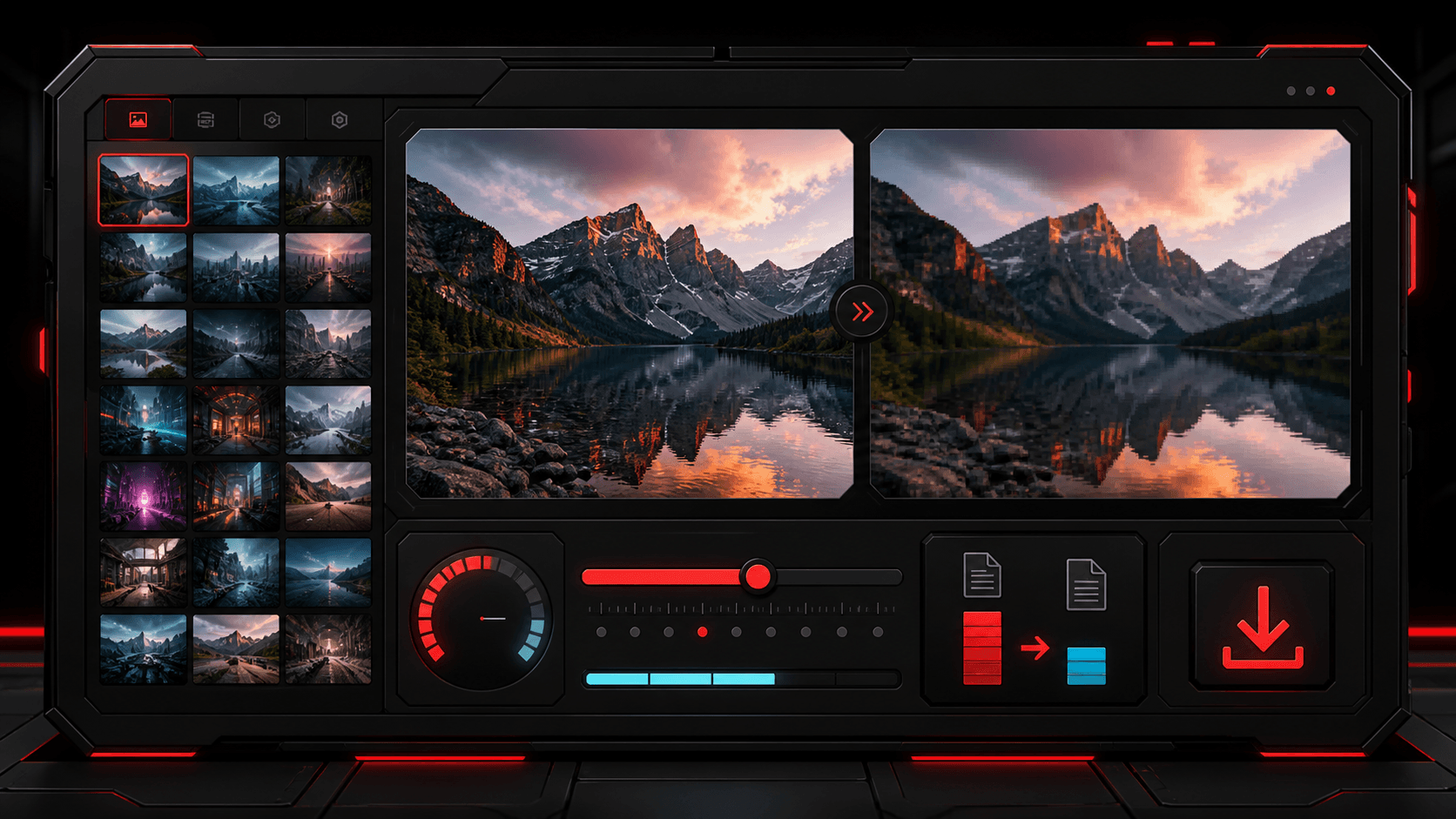
Photo workflow - 7 min read
A practical guide to reducing image size for websites, social posts, product pages, and forms while keeping clean visual detail.
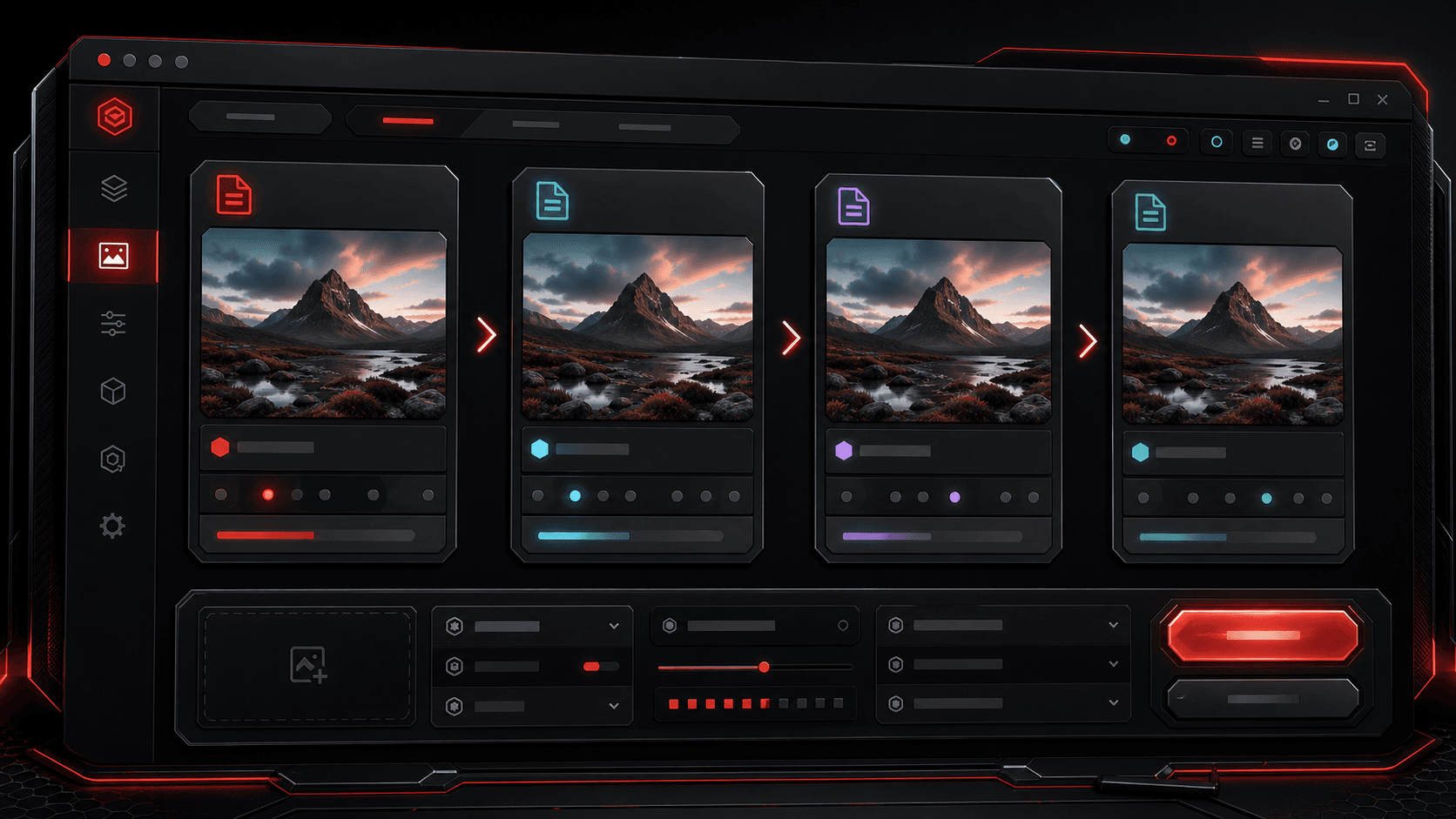
Photo workflow - 6 min read
A clear format guide for choosing PNG, JPG, WEBP, or AVIF before converting and downloading images.
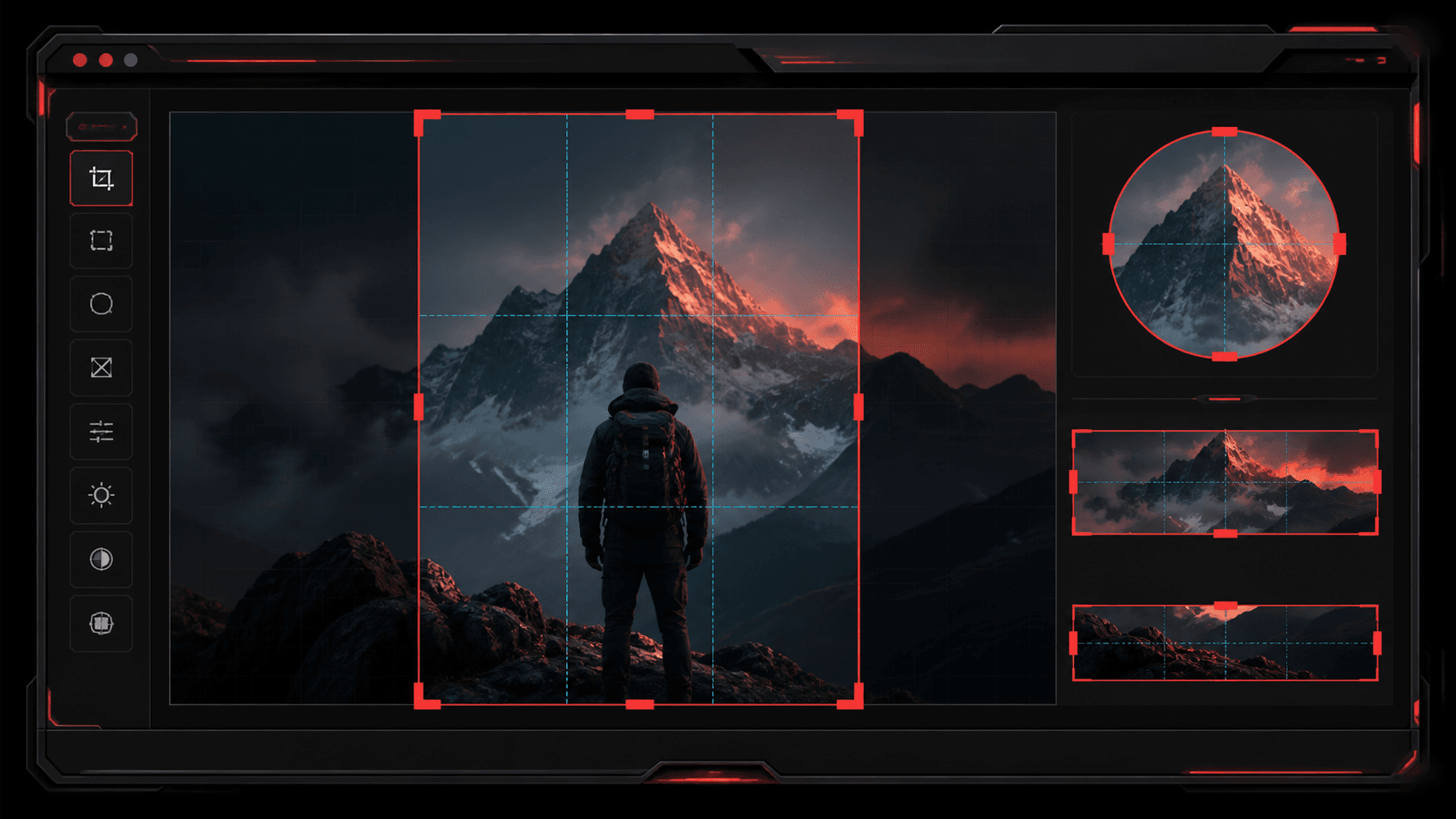
Photo workflow - 6 min read
Learn how to crop square images, banners, portraits, and circle profile images without losing the important part of the photo.
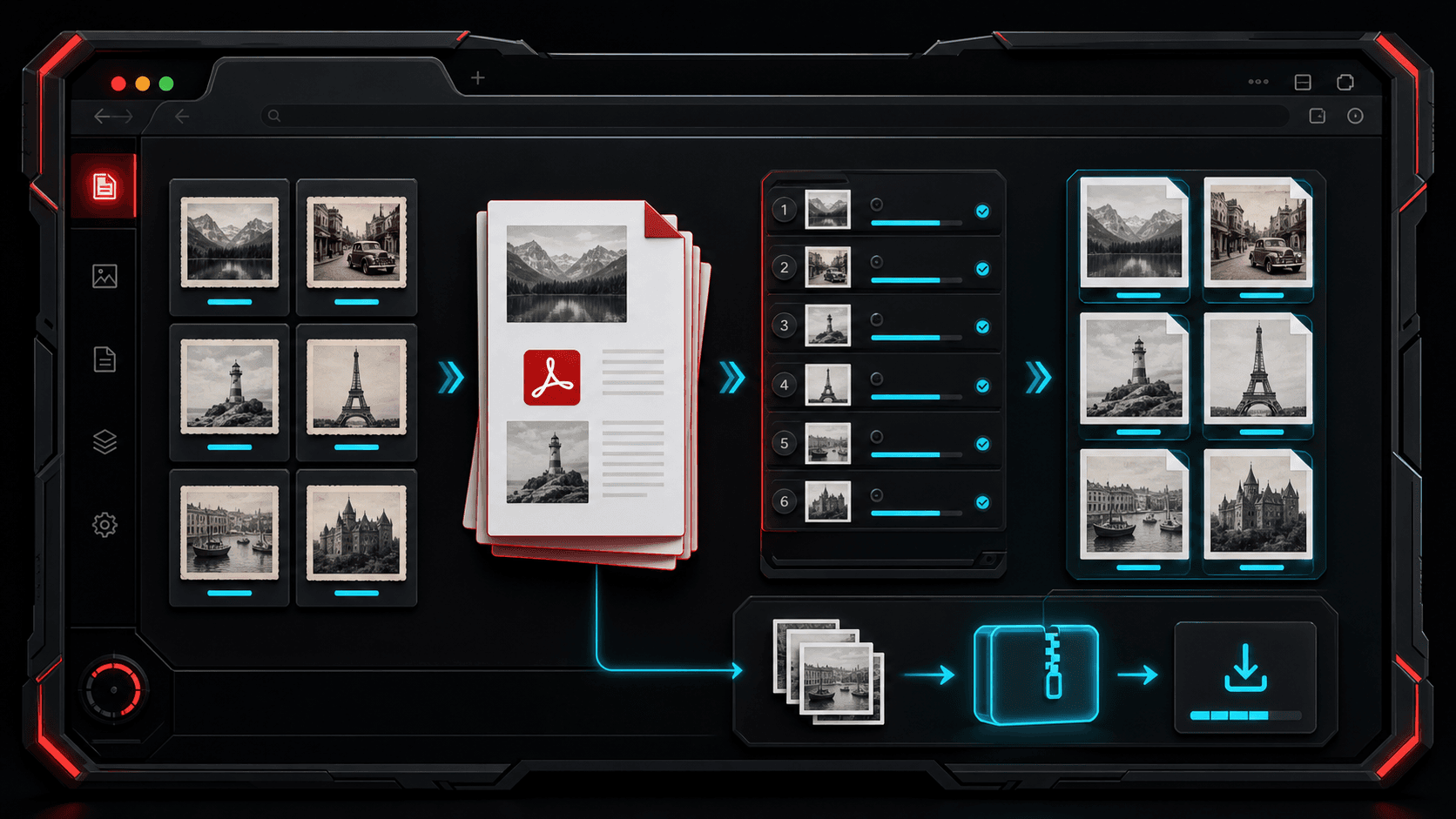
PDF workflow - 7 min read
Learn when to combine images into a PDF, when to export PDF pages as images, and how to keep files organized.
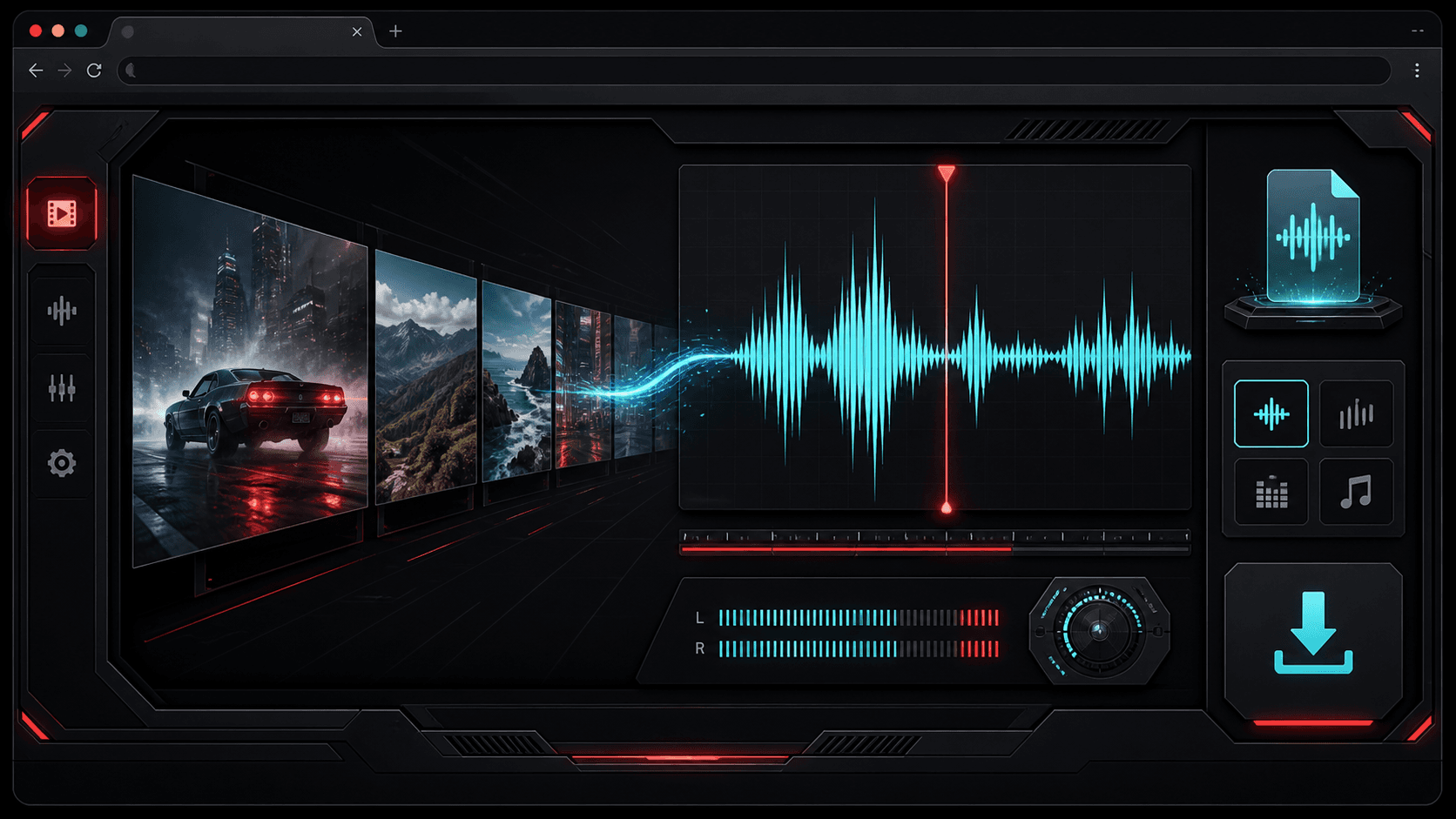
Audio workflow - 7 min read
A creator-friendly guide to changing audio formats and pulling audio tracks from local video files.
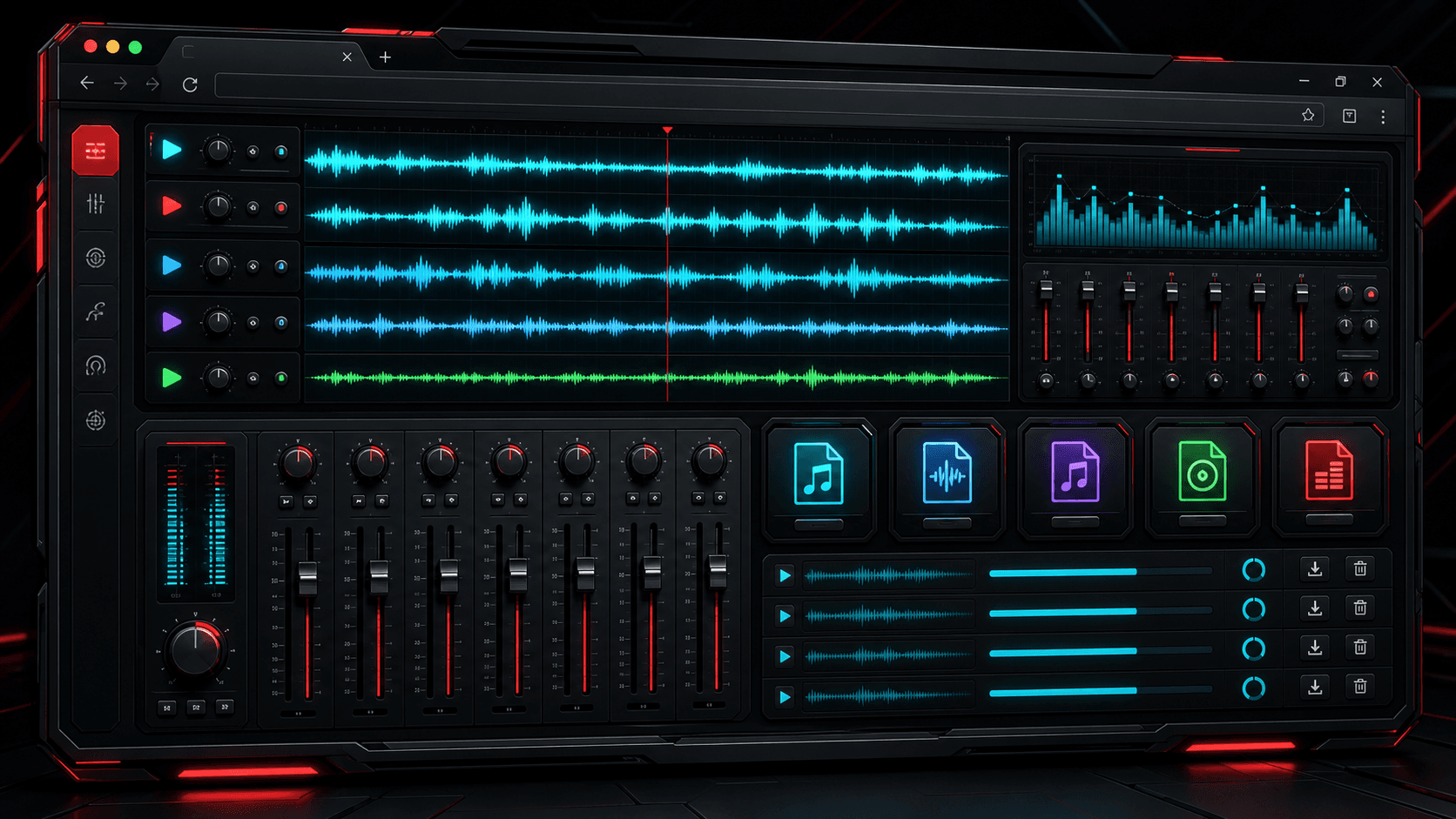
Audio workflow - 6 min read
A simple guide to choosing the right audio output format before converting music, voice recordings, or extracted video audio.
Privacy and clarity
TheFramex avoids platform video downloading and focuses on local browser tools people can understand quickly. Each converter explains input formats, output formats, and the result before download.
The current TheFramex tools are built as free browser-first utilities for photo editing, PDF conversion, audio conversion, and video to audio extraction.
No. TheFramex does not download platform videos. The video to audio tool works with local video files that the user already has permission to process.
TheFramex includes image compression, image conversion, image crop, photo enhance, images to PDF, PDF to images, music conversion, and video to audio extraction.
No. TheFramex is built around focused browser workflows. Files are selected by the user for processing and the output is downloaded back to the device.
Yes. The Images to PDF tool can combine supported image files into one ordered PDF document.
Yes. The PDF to Images tool can render PDF pages as PNG, JPG, or WEBP files.
The Video to Audio tool extracts audio from supported local video files and can export MP3, WAV, M4A, OGG, or FLAC.